
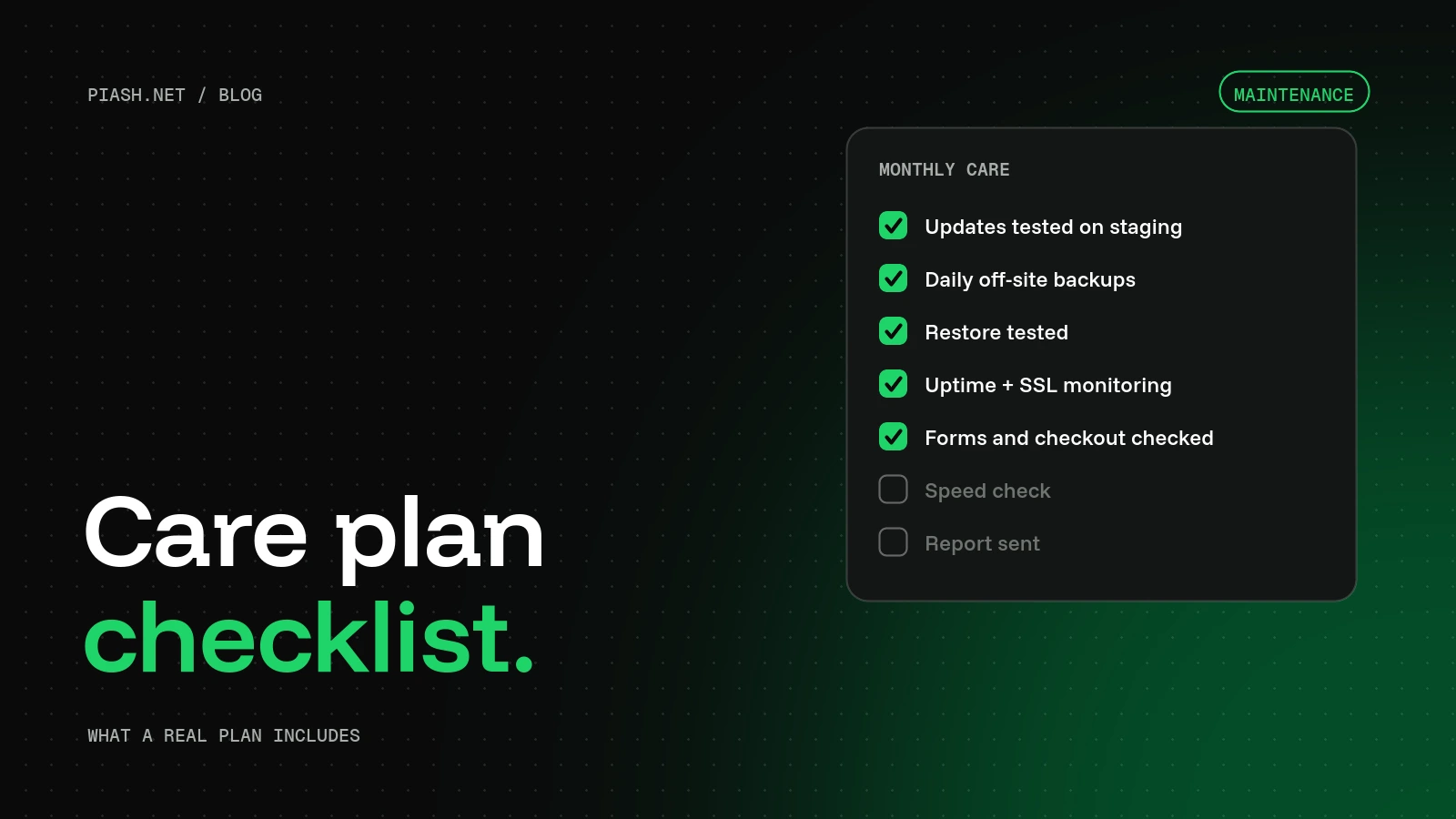
A good WordPress maintenance plan includes updates for WordPress, plugins and themes tested on staging first, daily off-site backups with a tested restore, uptime and security monitoring, monthly checks on forms and checkout, speed checks, small fixes from a real person, and a short monthly report so you can see what was done.
Plenty of “care plans” are just an auto-update switch and a monthly invoice. That’s fine until an update breaks the checkout on a Friday night and nobody notices until Monday. Use this checklist to see what you’re actually paying for, or to build your own routine if you look after client sites yourself.
I run care plans for my own clients and white-label care for agencies, and this is the list I work from.
Updates, done safely
Updates are the main job, and the main risk. Most broken WordPress sites I’m asked to fix broke during an update nobody tested.
- WordPress core, plugins and themes updated on a regular schedule, not whenever someone remembers.
- Updates tested on a staging copy before they reach the live site.
- A fresh backup taken right before every update.
- A quick visual check of key pages afterwards: home, a service or product page, the contact form and the checkout.
- Abandoned plugins replaced before they become a security risk. A plugin with no update in over a year deserves a closer look.
Backups you can actually restore
Everyone says they have backups. Far fewer have ever restored one.
- Daily automatic backups of files and database. Stores with lots of orders may need more often.
- Copies stored off the server, not only with your host. If the server goes, the backups shouldn’t go with it.
- Several weeks of history, so you can go back to before a problem started, not just yesterday.
- A test restore every few months. A backup nobody has tested is a hope, not a plan.
Security
- Malware and file-change scanning.
- Login protection: strong passwords, limited login attempts, two-factor login for admins, and no account called “admin”.
- Unused plugins, themes and user accounts removed. Every old admin account is a door someone could walk through.
- A supported PHP version on the server.
- A clear plan for what happens if the site is hacked: who fixes it, how fast, and whether it costs extra.
Uptime and monitoring
- Uptime checks every few minutes, with alerts going to a real person.
- SSL certificate expiry monitoring, so visitors never see a security warning.
- Domain renewal reminders. An expired domain takes the site and the email down with it.
Things that quietly break
These rarely trigger an alert, but they cost you customers every day they’re broken:
- Contact forms that stop sending emails, usually after a hosting or email change.
- WooCommerce checkout, payment and order email problems.
- Broken links and missing images after content changes.
- Pages that got slower after an update.
A good plan tests these every month, not only when a customer complains.
Performance and housekeeping
- A monthly speed check on the pages that bring in business.
- Database cleanup: old revisions, spam comments and expired temporary data.
- A check that caching still works after updates.
Small fixes and a real person
The most valuable part of a care plan isn’t the software. It’s having someone who fixes problems instead of just forwarding you an alert. Check how many small changes are included each month, like swapping an image, updating opening hours or adding a new team member, and how quickly you get a reply.
A monthly report
You should get a short summary every month: what was updated, uptime, backups, any threats blocked and any fixes made. If you can’t see the work, you can’t judge whether it’s worth paying for.
What different levels usually cover
| Task | Basic hosting | Typical care plan | Good care plan |
|---|---|---|---|
| Core and plugin updates | Auto only | Yes | Tested on staging |
| Off-site backups | Sometimes | Yes | Yes, with tested restores |
| Uptime monitoring | No | Yes | Yes, with a person responding |
| Form and checkout checks | No | Rarely | Monthly |
| Small content fixes | No | Sometimes | Included each month |
| Hack cleanup | No | Extra cost | Included |
| Monthly report | No | Sometimes | Yes |
Key takeaways
- Updates should be tested on staging, with a backup taken first.
- Backups only count if they’re off-site and a restore has been tested.
- Check forms and checkout monthly. They break silently.
- Pay for a person who fixes things, not just alerts.
- Insist on a monthly report.
FAQ
How often should WordPress be updated?
Security releases should go on within days. Other plugin and theme updates can be batched weekly or every two weeks, tested on staging first.
Can I just turn on auto-updates?
For small brochure sites with few plugins, auto-updates plus good backups are a reasonable minimum. For stores, membership sites or anything that takes payments, test major updates first.
What should I ask before signing up for a care plan?
Ask whether updates are tested on staging, where backups are stored and when a restore was last tested, what happens and what it costs if the site is hacked, how many small fixes are included, and whether you’ll get a report.
Can agencies resell a care plan under their own brand?
Yes. White-label care means the work is done behind the scenes while the client only ever sees the agency’s name.
Every item on this list is in my care plans.
See my WordPress care plans. Agencies can resell care under their own brand from $29 a site. Not sure what shape your site is in? Start with a free website audit.