
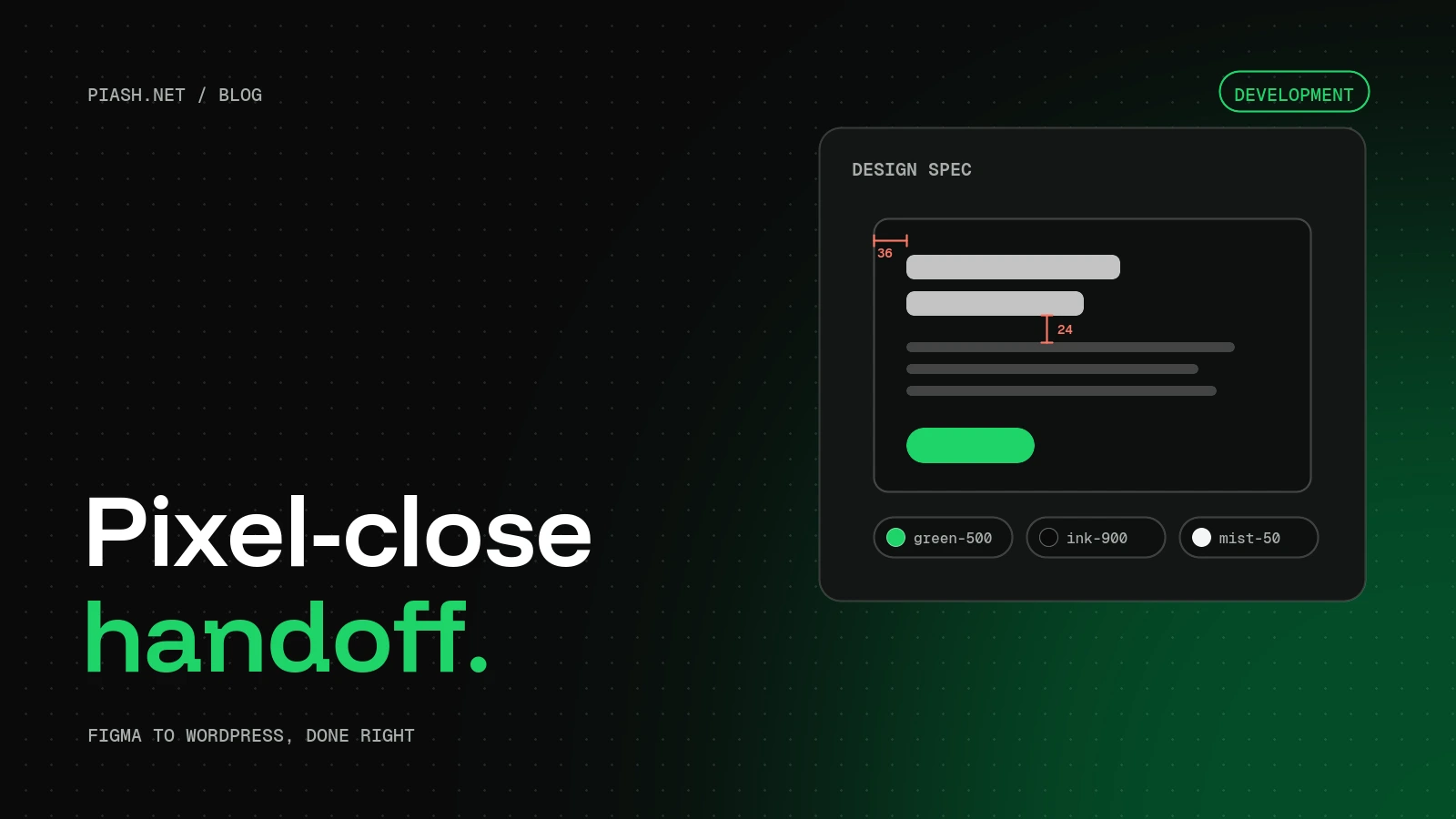
For a WordPress build that matches your Figma design, hand over desktop and mobile frames for every template, a defined set of colour, type and spacing styles, reusable components with their hover and focus states, real or realistic content, exported assets, and notes on what the client needs to edit. Most “the build doesn’t match” problems come from a missing mobile frame or styles that were never defined.
Most of my agency work starts with a Figma file. Some files turn into a pixel-close WordPress site in a week. Others turn into a long thread of “can you move this 4 pixels” messages. The difference is almost never the developer’s skill. It’s what was in the handoff.
This is the checklist I’d give any designer or agency before a Figma to WordPress build, whether the site ends up in Divi, Elementor, Gutenberg or custom code.
Why builds drift from the design
A design file shows one screen at one width with perfect content. A website has to work at every width, with the client’s real content, after the client has edited it for two years. The gaps between those two things are where builds drift:
- No mobile or tablet frames, so the developer has to guess how sections stack.
- Colours and font sizes set by hand on each layer, instead of shared styles.
- Components that look the same but are slightly different each time they appear.
- Hover, focus, error and empty states that were never designed.
- Placeholder text much shorter than the real content.
The handoff checklist
| Include | Why it matters |
|---|---|
| Desktop and mobile frames for each template | Shows how every section stacks, instead of leaving it to guesswork |
| Colour, text and spacing styles or variables | Become global colours, fonts and spacing in the builder |
| Components with variants | Map to reusable presets or modules, so they stay consistent |
| Hover, focus, active and error states | Buttons, links and forms behave as designed, not as defaults |
| Real or realistic content | Long headings and real images show layout problems early |
| Exported images, icons and logo | SVG for icons and logos, high-resolution images for photos |
| Font names and licences | Web licences cost money for some fonts, so check before launch |
| Notes on editable areas | Tells the developer what the client must be able to change |
Frames: design the templates, not every page
You don’t need a frame for every page on the site. You need one for every template: the homepage, a service page, a blog listing, a single blog post, a contact page and anything unusual. Then design each one at desktop width, usually 1440 pixels, and at mobile width, around 375 to 390 pixels.
A tablet frame is only needed when something changes in a way that isn’t obvious, like a four-column grid becoming two columns, or a side navigation turning into a menu.
Styles and variables become the design system
This is the single biggest factor in how fast and how accurately a site gets built. If the file has a defined set of colour styles, a type scale and spacing values, each one becomes a global setting in WordPress. In Divi 5 those are design variables and presets. In Elementor they’re global colours, global fonts and kits.
When every heading, button and card pulls from the same few styles, the build matches the design almost automatically. And when the client wants their brand green slightly darker next year, it’s a one-minute change instead of a hunt through every page.
A good starting system is small: four to six colours, a type scale of five or six sizes for headings and body, and a spacing scale such as 8, 16, 24, 32, 48 and 64 pixels.
Components and states
Build repeated elements as Figma components: buttons, cards, testimonials, pricing boxes, form fields. Each component should include its variants and states, for example primary and secondary buttons, plus hover, focus and disabled states.
Forms need the most care. Design the error message, the success message and what a required field looks like. Otherwise the form shows the form plugin’s default styling, which rarely matches anything else on the site.
Content and assets
Lorem ipsum hides problems. Real headings are longer than you think, real photos have awkward crops, and real team bios vary wildly in length. Use real content where you have it, and realistic lengths where you don’t.
- Export icons and logos as SVG.
- Provide photos at least twice their display size, so they stay sharp on retina screens.
- Name layers and frames clearly. “Hero / Home” is far easier to work from than “Frame 482”.
- List the fonts, and confirm the client has a web licence for any paid font.
Tell the developer what the client will edit
The design shows how the site looks. It doesn’t show how the client will use it. A short note answers the questions that shape the build: will the client add blog posts, team members, case studies or events? Should they be able to change the homepage hero? Do they need to edit prices or opening hours?
Those answers decide whether something is built as a simple editable section, a reusable template, or a custom post type with fields. Getting it right at the start saves a rebuild later.
What a typical build looks like
With a complete handoff, a standard five-page site usually takes 7 to 10 working days from brief to launch. The first days go into setting up the global styles and components, the middle into building templates on staging, and the last days into content, cross-device testing, speed and launch.
Key takeaways
- Design every template at desktop and mobile width, not every page.
- Define colour, type and spacing styles. They become the site’s global settings.
- Build repeated elements as components, including their states.
- Use real content lengths and export assets at twice their display size.
- Write down what the client needs to edit before the build starts.
FAQ
Can a WordPress site match a Figma design exactly?
Very closely, yes, when the file includes mobile frames, shared styles and component states. Small differences in font rendering between Figma and browsers are normal.
Which page builder is best for Figma to WordPress?
Divi 5, Elementor, Gutenberg with custom blocks, and custom code can all match a design closely. The best choice depends on who will edit the site and what your agency already uses.
Do I need to design a tablet version?
Usually not. Desktop and mobile frames are enough, unless a layout changes in a way that isn’t obvious at tablet width.
Can you work from Adobe XD or a reference site instead of Figma?
Yes. XD and PSD files work the same way, and a reference site plus brand guidelines is enough for many projects.
Have a Figma file ready?
See how I build WordPress sites from your design, or if you’re an agency, how white-label development works. Pages start from $249, or send me the brief for a fixed quote.